




Group
The Group system is used to form a temporary party with other players.
Unlike a Guild, a Group is simple and straightforward: it's for playing together, hunting, exploring, doing quests, and sharing experience during the session.
Creating a Group
If you are not already in a Group, when you open the Group page in the Adventurer's Handbook, the system will ask if you want to create a new one.
When you create a Group, you become the leader.
The leader can:
- Invite players.
- Remove members.
- Pass the leadership.
- Enable or disable friendly fire.
- Disband the Group.
Inviting Players
Only the leader can invite new members.
The invitation menu shows online players who:
- Are not in your Group.
- Are not already part of another Group.
The invited player receives a request to join the Group and can accept or decline.
If they accept, all members are notified that they have joined.
Member List
On the Group page, you can see:
- The Group leader.
- Current members.
- Who is near you.
- Who is far away.
Names appear in different colors:
- Green: the player is nearby
- Red: the player is far away or unavailable
This distance helps the Group know who is actually together during the hunt or exploration.
Shared Experience
When a player kills a creature while in a Party, the experience can be divided among nearby members.
To receive shared EXP, the member needs to be:
- Online
- In the same world
- Near the creature killer
- Within sharing range
The creature's experience is divided among nearby Party members.
Example:
- If a creature gives 300 EXP;
- And 3 Party members are nearby;
- Each receives 100 base EXP;
Personal bonuses continue to be applied individually.
This means that if a member has an active bonus, such as Happy Hours or Double EXP, the bonus will be calculated on the portion of experience they received.
PvP and Friendly Fire
The Group has a Friendly Fire option.
This option controls whether members of the same Group can damage each other.
When Friendly Fire is:
- OFF: Group members are protected from damaging each other.
- ON: Group members can damage each other.
By default, this option should be used with caution.
It can be useful for:
- PvP training.
- Combined events.
- Tests between friends.
- Situations where the Group wants to allow internal combat.
When the leader changes Friendly Fire, all members receive a notification.
Leadership
The leader controls the main actions of the Group.
They can pass leadership to another member.
When this happens, the new leader takes control of the Group's administrative functions.
If the leader leaves the Group and there are still members, the system can transfer leadership to another player in the Group.
If there are no more members, the Group is closed.
Leaving the Group
Any member can leave the Group using the Leave option.
Upon leaving:
- The character is no longer part of the Group.
- Stops receiving shared EXP from that Group.
- No longer appears in the member list.
- Returns to relying solely on their own EXP from killing creatures.
Disconnecting the character also automatically leaves the Group.
Removing Members
The leader can remove members from the Group.
When a player is removed:
- They are no longer part of the Group.
- They stop receiving shared EXP.
- They receive a notification informing them that they have been removed.
Disbanding a Group
The leader can completely disband the group.
When this happens:
- The group is closed.
- All members are removed.
- Everyone receives a warning.
- The experience is no longer shared.
Royal Horse (July 2026)
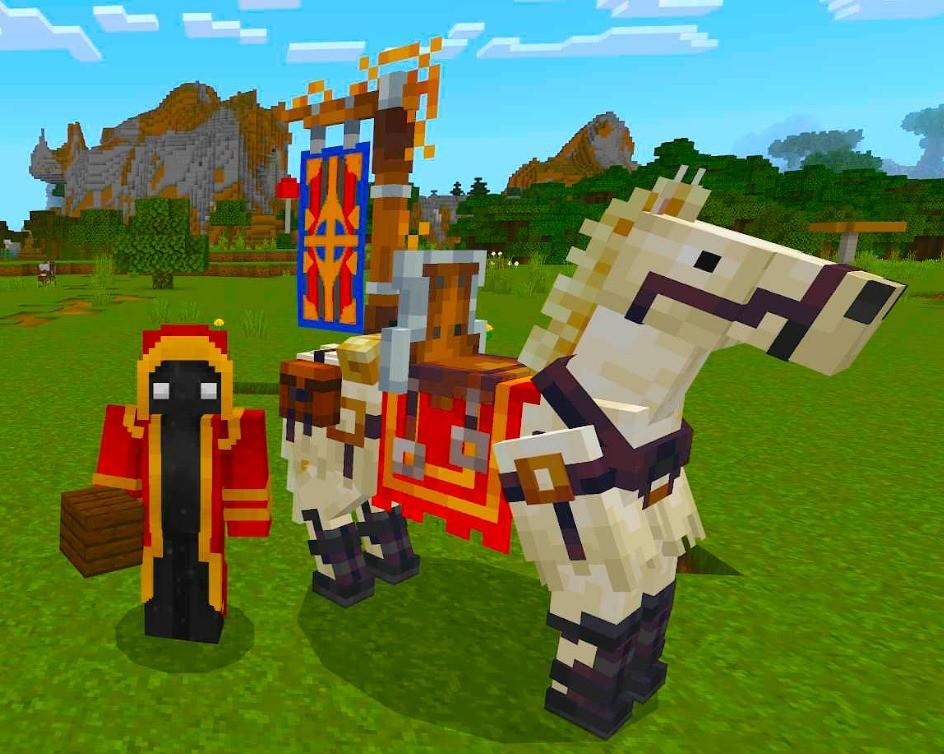
This image is currently unavailable.
The first Royal Horse ever seem.
Sent by: Curse