




Guilds
The Guild system is one of the most important parts of Inner World.
A Guild allows players to gather in their own organization, with roles, rules, a shared bank, a Guild Hall, war statistics, and conflicts against other Guilds.
Creating a Guild
If your character is not yet part of a Guild, upon opening the Guilds page you can:
- Create a new Guild.
- View pending invitations.
- Accept or decline received invitations.
To create a Guild, the character must meet the server requirements.
The main requirements include:
- Having the minimum required level.
- Being Premium.
- Choosing a valid name for the Guild.
- Writing a description within the allowed limit.
After creation, the Guild may enter a founding period.
This means that it needs to meet the founding requirements within the timeframe displayed in the menu.
If the requirements are met, the Guild is established.
If they are not met within the timeframe, it may be automatically removed.
Members and Hierarchy
Each Guild has an internal hierarchy.
The main positions are:
- Leader
- Sub-leaders
- Members
The leader can create, rename, remove, and reorganize member titles.
The hierarchy of titles works by numerical order: the lower the number, the higher the position within the hierarchy.
Example:
1 = Highest position among common members
2 = Position below 1
3 = Position below 2
Sub-leaders have more administrative permissions than common members, but are still below the leader.
Role Permissions
Permissions vary depending on the role.
Regular members can access basic Guild information, view rules, donate money, check wars, and leave the Guild.
Leaders and Sub-leaders can manage members, invitations, expulsions, promotions, demotions, and the Guild bank.
Only the Leader can access some more sensitive functions, such as:
- Managing the Guild.
- Declaring war.
- Accepting war.
- Passing leadership.
- Disbanding the Guild.
- Controlling more important parts of the Guild structure.
Invitations
Leaders and Sub-leaders can invite characters who are not yet part of any Guild.
The invited player will see the invitation when opening the Guilds page.
By accepting the invitation, the character joins the Guild.
By declining, the invitation is removed.
Guild Bank
The Guild has its own balance.
Members can donate money to the Guild bank.
Leaders and Sub-leaders can manage the bank and transfer money from the Guild to their own account, when permitted.
All transactions are recorded in the Guild's history, showing:
- Transaction type
- Date
- Responsible character
- Amount deposited or withdrawn
The Guild's balance is also used in important systems, such as Guild Hall and peace offerings in wars.
Rules and Description
A Guild may have:
- A public description.
- Internal rules.
The description serves to introduce the Guild.
The rules serve to organize the expected behavior of members, objectives, internal agreements, and any norms defined by the leadership.
Complaints / Reports
Members can submit internal complaints against other characters.
These complaints are recorded in the Guild.
Leaders and Sub-leaders can view Guild reports to assist in internal administration.
War System
The war system defines official conflicts between Guilds.
It controls declarations, acceptance, statistics, deaths, peace offers, and conflict termination.
War States
A war can go through different states:
- Hostiling
- War
- Peace Offer
- Ended
Hostiling
This is the initial state after a Guild declares war on another.
The Guild that received the declaration still needs to accept the conflict.
While in Hostiling, the war is not yet fully active.
War
When the defending Guild accepts the war, the conflict goes to **War**.
In this state, deaths among members of both Guilds count towards the war statistics.
During an official war, deaths among members of the involved Guilds can ignore the common unjustified kill system.
Peace Offer
During a conflict, a Guild can make a peace offer.
When making an offer, a value from the Guild's bank is reserved as a proposal.
The enemy Guild can accept this offer.
If accepted, the value is transferred to them and the war ends.
The Guild that made the offer can also revoke the proposal, as long as it is still active.
Ended
When a peace offer is accepted, the war is ended.
The war ceases to be active, but the history and statistics may continue to appear in the Guild's log.
Declare War
Only the Leader can declare war.
To declare war:
- Open the Guild menu.
- Enter War Management.
- Choose Declare War.
- Select the target Guild.
- Confirm.
A Guild can only declare war against eligible Guilds that are not already in active conflict with it.
Accepting War
When a Guild receives a declaration, the Leader can accept the war.
Only the defending Guild can accept.
After acceptance, the war changes from Hostiling to War.
War Statistics
The statistics page shows the Guild's conflicts.
It can display:
- Enemy Guild.
- Current status.
- Who declared war.
- Start date.
- Guild kills and deaths.
- Leader/subleader kills and deaths.
- Active peace offer, if any.
- End date, if the war has ended.
These statistics help track the Guild's performance in official conflicts.
Kills, Deaths, and Unjustified Kills
When members of conflicting Guilds kill each other, the system may record:
- Kill for the winning Guild.
- Death for the victim's Guild.
- Individual kill/death on the character's profile.
- Special leader/subleader statistics.
During an official war, some deaths may not count as unjustified kills.
This mainly happens when the conflict is in a real state of **War**, or when a peace offer is made from an already active war.
Peace Offers
A peace offer serves to try to end a war.
The Guild offering peace chooses a monetary value.
This value is taken from the Guild's balance and reserved for the offer.
The other Guild can:
- Accept the offer and end the war.
- Ignore the offer.
- Continue fighting.
The Guild that made the offer can revoke the offer as long as it has not yet been accepted.
If the offer is revoked, the value returns to the Guild's balance.
Leaving the Guild
A member can leave the Guild.
Upon leaving:
- The character ceases to be part of the Guild.
- Their Guild data is cleared.
- Access to the Guild Hall may be removed.
- The character's Guild kills and deaths are reset.
If the Leader leaves, the system attempts to pass leadership to another eligible member.
If there is no successor, the Guild may be dissolved.
Dissolving the Guild
The Leader can dissolve the Guild.
Upon dissolving:
- Members are removed.
- Invitations are deleted.
- Reports are removed.
- Bank history is removed.
- Titles and positions are deleted.
- Guild Hall is released, if it exists.
- Completely invalid wars may be cleared.
- The remaining balance may be transferred to the responsible party.
This action is serious and requires confirmation.
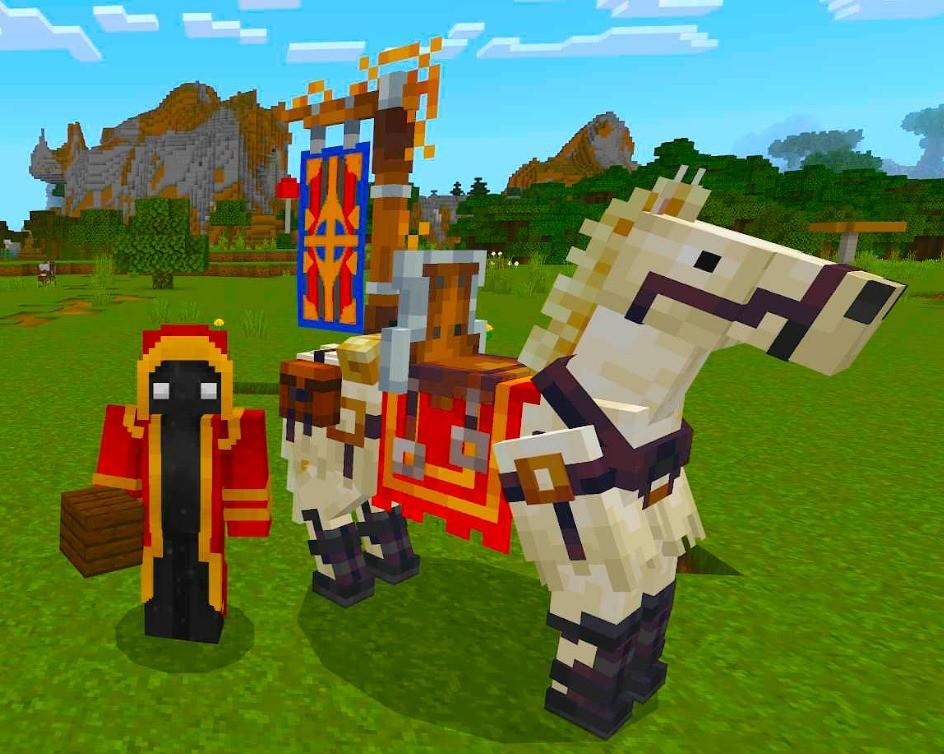
Royal Horse (July 2026)
This image is currently unavailable.
The first Royal Horse ever seem.
Sent by: Curse