




Character Profile
The Character Profile page is where you can view key information about your character in Inner World.
It serves as a complete summary of your journey, showing important data about your character's progression, class, money, skills, guild, and combat status.
To open the Character Profile:
- Open the Adventurer's Book.
- Click on Character Profile.
- View your stats, skills, class, guild, and available points.
- If you have points to distribute, use the buttons available on the screen.
In the profile, you can view information such as:
- Character Name
- City of Origin
- Money in the Bank
- Level
- Magic Level
- Defense
- Class
- Class Description
- Available Skill Points
- Available Mastery Points
- Character Skills
- Weapon Masteries
- Critical Chance
- Critical Damage
- Unjustified Kills
Character Skills
The Skills area shows your character's main attributes:
- Strength
- Dexterity
- Constitution
- intelligence
- Wisdom
- Charisma
If you have Skill Points available, your profile will show a button to distribute these points.
When you click the button, you can choose how many points you want to add to each attribute using the on-screen controls.
After confirming, points will be applied to the character and their status will be automatically recalculated.
Mastery Points
The Mastery area shows your evolution with weapons:
- Sword
- Axe
- Club
If your class can use Mastery and you have Mastery Points available, the profile will also show a button to distribute these points.
These points help improve your specialization with each type of weapon.
Guild
If the character is part of a Guild, the profile may also show information related to it, such as:
- Guild name
- Position/title within the Guild
- Guild Balance
- War status
- Enemy guild, if any
- Kills in wars
- Deaths in wars
- Guild K/D Ratio
War status helps you identify whether your Guild is at peace, under threat, or at war with another Guild.
Unjustified Kills
The profile also shows the character's Unjustified Kills number.
This number serves as a warning for unjustified deaths and may appear in different colors depending on the situation.
The more unjustified kills the character accumulates within certain periods, the higher the alert level will be displayed on the profile.
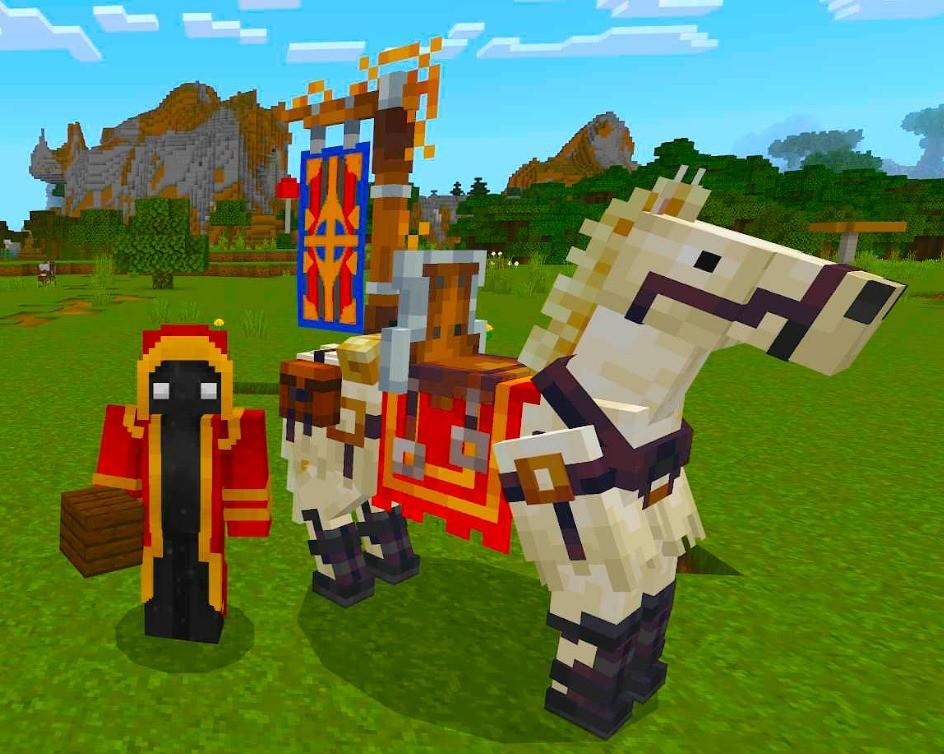
Royal Horse (July 2026)
This image is currently unavailable.
The first Royal Horse ever seem.
Sent by: Curse