




Disconnect
The Disconnect option is the official and safe way to exit the game in InnerWorld.
Whenever you stop playing, we recommend exiting using this option via the Adventurer's Book.
Why use Disconnect?
Using Disconnect correctly terminates your session on the server.
This helps ensure your character is removed from the world as expected, preventing inventory, position, combat, or synchronization issues.
Avoid Forcibly Closing the Game
If you simply close Minecraft, turn off your device, or lose connection, your character may remain connected to the server for a few minutes.
During this time, they may still be exposed in the world.
This means they could:
- Be attacked by monsters.
- Be attacked by other players.
- Die.
- Suffer item loss.
In these cases, the server is not responsible for losses caused by forced closure or improper disconnection.
How to Log Out Safely
To log out correctly:
- Open the Adventurer's Book.
- Click Disconnect.
- Wait for the logout process to complete.
- Only then close the game.
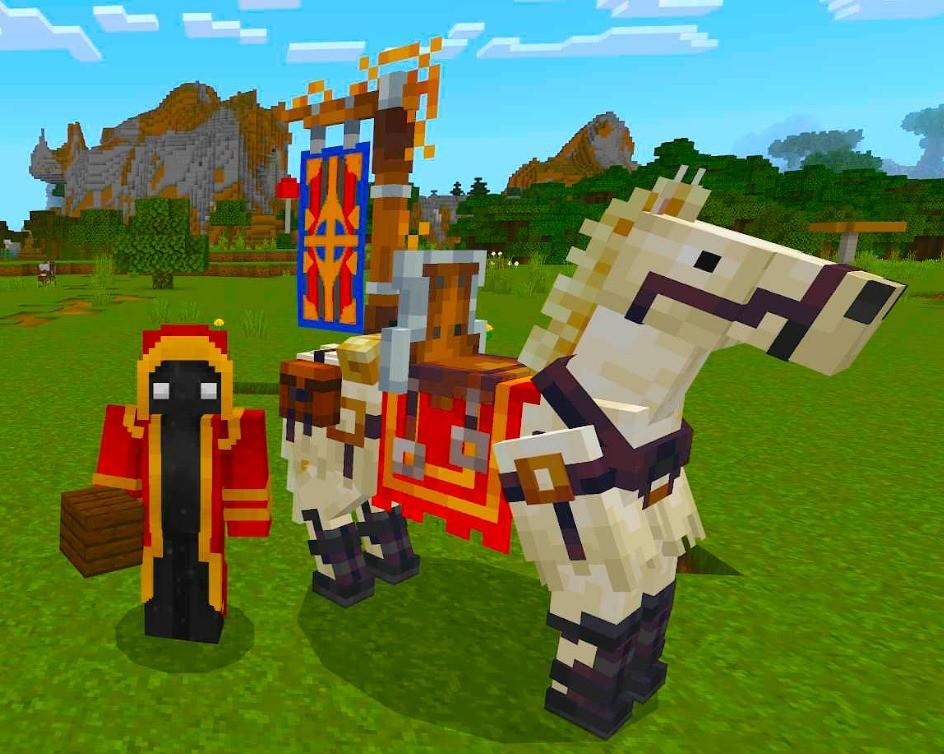
Royal Horse (July 2026)
This image is currently unavailable.
The first Royal Horse ever seem.
Sent by: Curse