




Quests
The Quests is the page where you can track the quests your character has started in Inner World.
It functions like a quest log, showing which quests you've already begun, the current progress of each one, and which tasks have already been discovered during the adventure.
How to access
You can open the Quests through the Adventurer's Book, under the Quests option.
If the character has not yet started any quests, the system will notify you that there are no missions at the moment.
Quest List
When you open, you will see a list of quests that the character has already started.
Each quest appears by name.
Quests may appear in different colors to indicate their overall status:
- Quest in progress.
- Quest completed or with all tasks registered.
Clicking on a quest will show more details about it in the Questlog.
Quest Description
When you select a quest, the Questlog displays a general description of the mission.
This description may mention the NPC or character who started, updated, or turned in that mission.
This helps you remember where the quest came from and what the story's context was.
Tasks / Checkpoints
Quests are divided into tasks, also called checkpoints.
Each checkpoint represents a stage of the mission.
Examples of stages:
- Talk to an NPC.
- Find a location.
- Deliver items.
- Pay a sum of money.
- Open a reward chest.
- Kill specific creatures.
- Complete a stage of another related quest.
The Questlog shows the tasks already registered up to your current progress.
This means that it doesn't necessarily reveal the entire quest at once.
As you progress, new stages may appear.
Kill Count
Some quests require you to kill a specific number of creatures.
When this happens, the Questlog may show the progress of the count.
Example:
3 Rotworms out of 10
This means you have already killed 3 creatures of the requested type and still need to complete the required total.
When the required amount is reached, the quest may automatically advance to the next task.
Quests by NPCs
Many quests are controlled by NPCs.
When talking to an NPC, they can:
- Start a new quest.
- Update an existing task.
- Give new instructions.
- Check if you have the necessary items.
- Charge money as part of a task.
- Give rewards.
- Unlock new dialogues as you progress.
Not all buttons are always visible.
The NPC only shows the options that make sense for the current stage of your quest.
Quest Requirements
Some steps may require specific conditions to continue.
Possible requirements include:
- Being on a specific task.
- Not having started the quest yet.
- Having another quest at a certain stage.
- Possessing specific items.
- Having enough money in the bank.
- Having completed a certain number of kills.
If you do not meet the requirements, the NPC may display a message explaining that something is still missing.
Item and Money Delivery
Some quests may require items or money.
When a step requires items, the system checks your inventory.
If you have everything you need, the items can be consumed upon confirming the action.
When a step requires money, the amount is deducted from your bank balance.
Rewards
Quests can deliver rewards directly from NPCs or through special chests.
Rewards may include:
- Items.
- Equipment.
- Bags with multiple items.
- Access to new stages.
- Progress in another related quest.
When there is more than one item as a reward, the system may deliver everything in one bag.
If the inventory is full, excess items may drop near the character.
Reward Chests
Some quests use reward chests.
These chests may have their own rules, such as:
- Requiring a minimum level.
- Requiring the quest to be at a specific stage.
- Releasing the reward only once per character.
- Can advance the quest stage when opened.
If the character is not yet at the correct stage, the chest cannot be opened.
Daily and Weekly Missions
Some quests can be marked as daily or weekly.
Daily quests can be cleared by the system to allow for a new execution.
Weekly quests follow a similar logic, but are renewed weekly.
This allows some missions to be repeatable without mixing them with permanent story missions.
Map Changes
Some quests may modify parts of the world.
This can happen in specific mission situations, such as opening paths, altering structures, or preparing a temporary area.
When necessary, the system can restore modified structures to their original state, mainly during server cleanup or restart routines.
Tip
Questlog shows your progress, but doesn't always provide the complete solution.
If you're lost:
- Read the quest description.
- Check the tasks already logged.
- Find the NPC who started or updated the quest.
- Check if there's an active kill count.
- Check if you need to deliver any items or money.
- Explore the region indicated by the story.
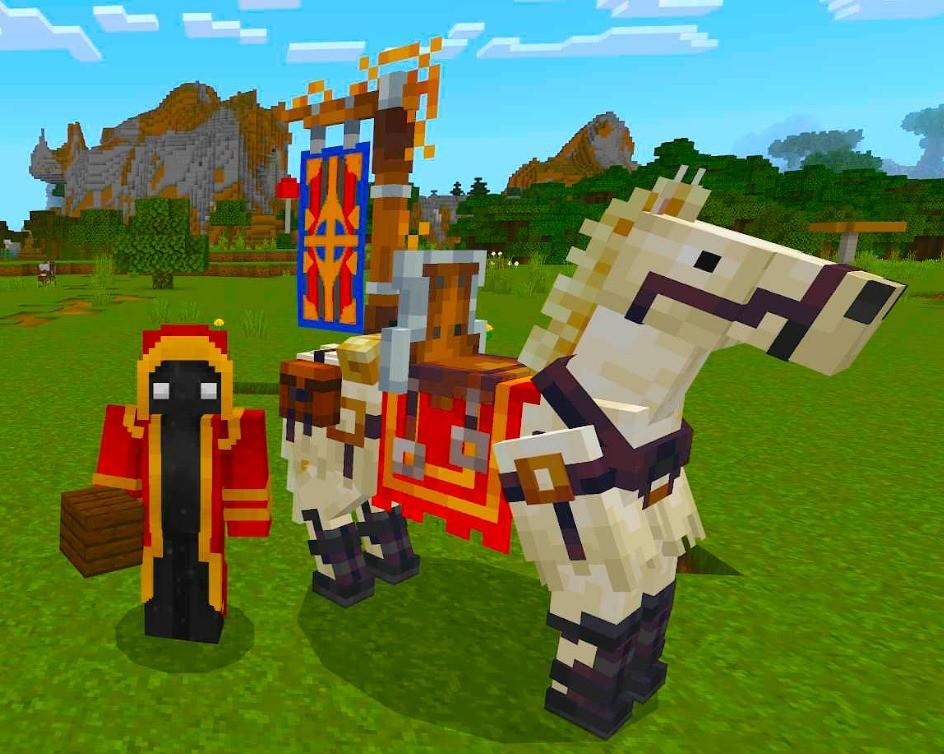
Royal Horse (July 2026)
This image is currently unavailable.
The first Royal Horse ever seem.
Sent by: Curse